




If you are buying a TTO coder for a bagger, FFS, or roll-fed line, fit is decided before price. TTO coder packaging machine fit comes down to five decisions: film, speed, mount, ribbon, and acceptance. Answer them in order and most retrofit surprises disappear. Skip them, and a clean bench print becomes a plant-floor problem.
Decision 1: Film type and print area

A TTO prints on the film, not the bag. PE, PET, and AL laminates behave differently. Start with a film sample and the planned print block width.
- Why: Surface energy and thickness affect ink transfer. A ribbon that works on PET may smear on PE.
- How to check: Measure the widest print block (date, lot, logo) and the film thickness. Confirm the coder’s max print width covers it with margin for registration drift.
- Verify: Print on the actual film at line speed. Rub with a thumb and run a tape test. Faint or smeared edges point to the ribbon or energy setting, not the coder.
On roll film and single-side open roll film, confirm the print area sits on a flat, supported section. A code over a fold or gusset will not read reliably. Measure the flat zone before choosing a print width.
Decision 2: Line speed against coder speed
Match the coder’s rated print speed to your line’s actual bags per minute. Do not size to the machine’s headline number.
| Line scenario | What to confirm | Typical check |
|---|---|---|
| Intermittent bagger | Dwell time at the print position | Print a full code at slowest and fastest line speed |
| FFS line | Film acceleration and stop position | Run 30 cycles and inspect registration drift |
| Snack line | Short print window at high cycle rate | Check ribbon advance per print and code legibility |
If the line outruns the coder’s rated print speed, the code stretches or gaps. Ask for rated print speed at your print area, then run a 10-minute trial at production rate. A print window of 20–25 mm per line is a common planning range; confirm against your actual font size.
Decision 3: Mounting space and trigger interface
Where the coder sits matters as much as what it prints. TTO coder packaging machine fit fails most often here, not in the print head.
- Mount: Measure bracket space and the distance from print head to film. Too far and registration drifts; too close and the head risks film contact.
- Interface: Check whether the line provides a trigger signal — print mark sensor, PLC output, or OPC UA. A coder without a matching input needs a sensor add-on.
- Verify: Dry-run the mount with a mock head. Confirm the head reaches the film center and the cable route clears moving parts through a full cycle.
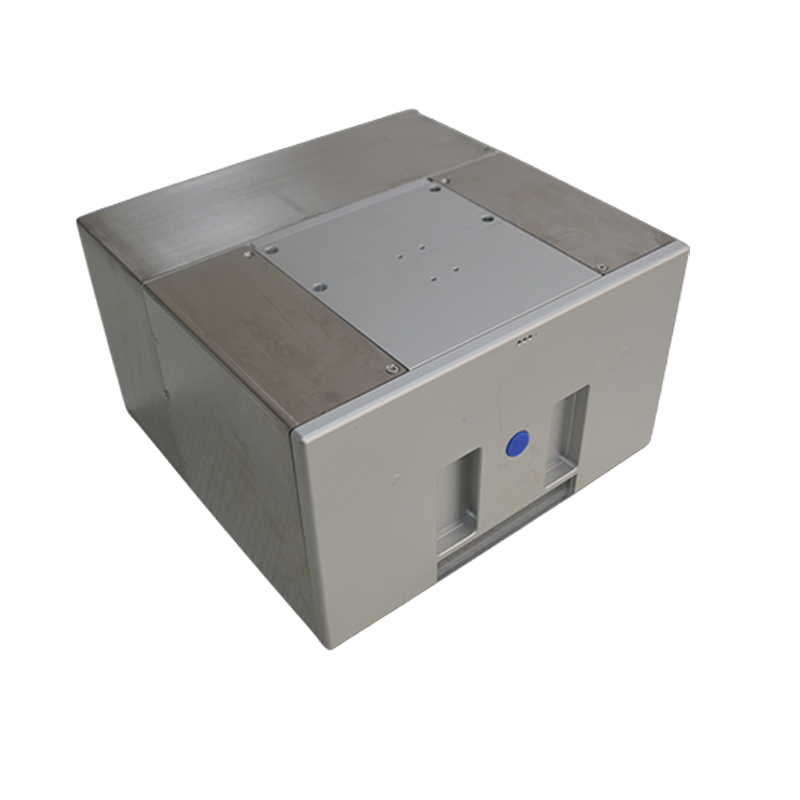
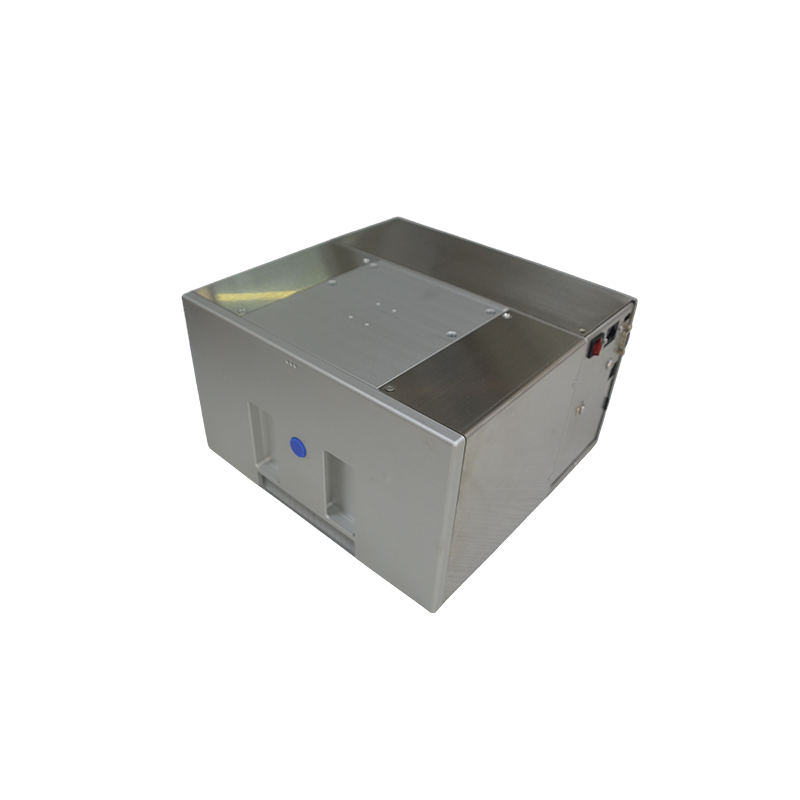
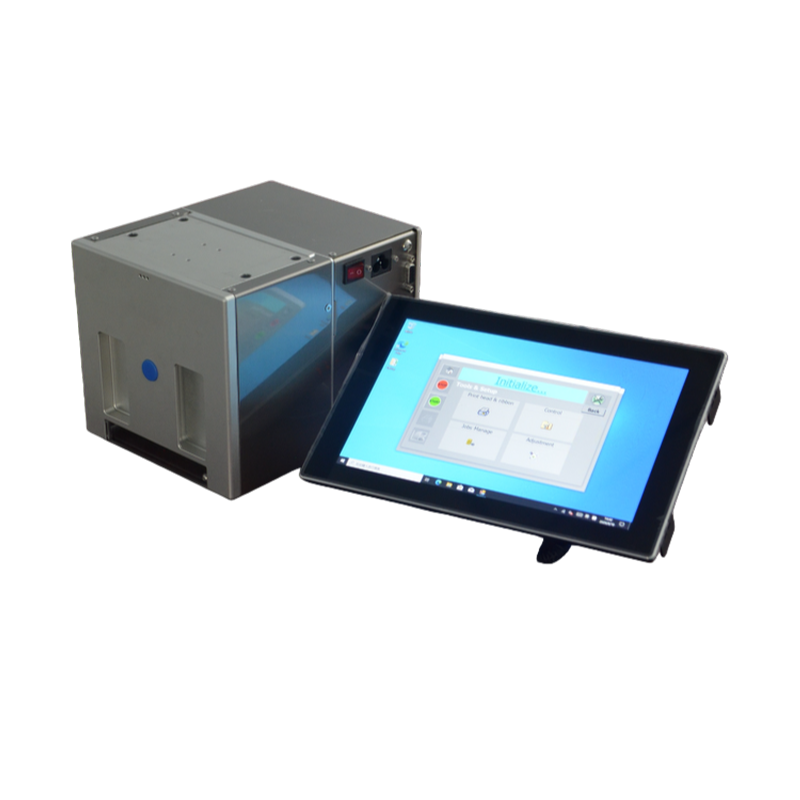
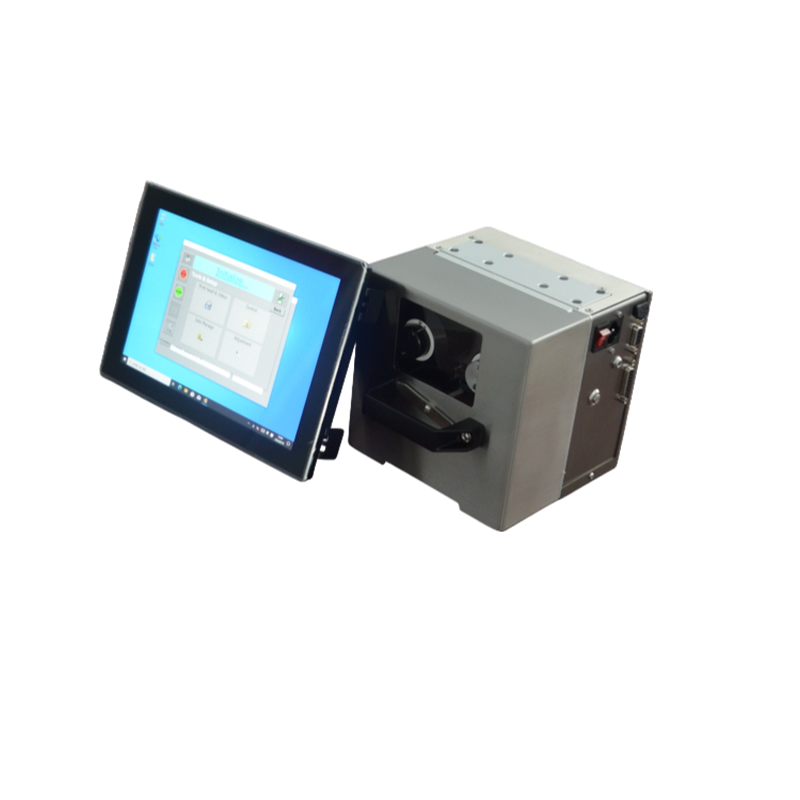
The JYZN-T2455 and T3255 are common starting points for mid-speed baggers. The T53115 and T5355 suit wider web and higher-duty lines. Confirm reach and interface before locking a model; the Thermotransfer-Überdrucker range lists them side by side.
Decision 4: Ribbon grade and width
Ribbon choice follows film, not the coder model. Width must cover the print block with a small margin.
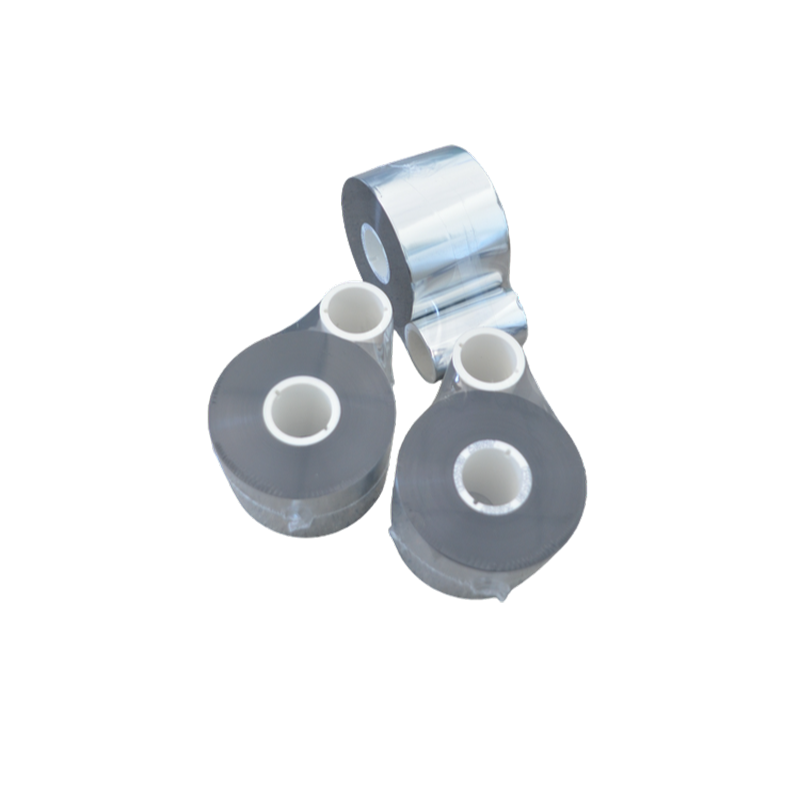
- Grade: Standard wax-resin covers most PE and PET date codes. Pure resin may be required for AL or harsh conditions. Ask for a ribbon sample matched to your film.
- Width: Match ribbon width to the print block, not the film width. Over-wide ribbon wastes material; under-wide ribbon leaves gaps.
- Verify: Run the sample at line speed. Check adhesion with a tape pull and a rub test after 24 hours.
A 25 mm wide print block usually calls for a 25–30 mm ribbon. The ribbon selection guide covers the common mistakes, including using ribbon width as a proxy for film width.
Decision 5: Acceptance test and quotation scope
Lock acceptance criteria before you sign. A coder that prints on a bench may fail on the line.
- Print 100 codes at production speed on your film. Check legibility, registration, and ribbon wrinkle.
- Run a 30-minute continuous test. Note skipped prints or ribbon jams.
- Confirm the trigger fires every cycle with no manual reset.
- Record the accepted ribbon grade and settings for repeat orders.
Quotation scope often misses the bracket, sensor, and ribbon sample. Ask for a line-item quote listing mount, interface cable, startup settings, and spare parts. Coder price without these is not landed cost. For a broader view of TTO on flexible packaging, see the TTO digital coding solution.
Frequently asked questions
Can one coder run on both a bagger and an FFS line?
Sometimes, but not always. Mount and interface differ. A coder sized for intermittent bagging may lack print speed for an FFS line. Confirm rated speed at your print area and the available trigger signal before assuming one unit covers both.
Which ribbon grade fits my film?
Start with a film sample and a ribbon sample. Print at line speed and tape-test the code. If the code smears or lifts, try a higher-resin grade. The Thermotransferband page lists grades by film type.
What print width do I need for a date and lot code?
Measure the widest line, usually the lot code, and add margin for drift. A common planning range is 12–25 mm per line. Size to the print block, not the film width.
What causes missing prints on a high-speed line?
Usually print speed above the coder’s rating, a weak trigger signal, or ribbon advance lag. Check rated speed at your print area first, then the sensor, then the ribbon path.
What belongs in a TTO quotation?
Line items: coder model, mounting bracket, interface cable, sensor if needed, ribbon sample, and startup settings. A quote without mount and interface is incomplete for a packaging line.
Send your bag drawing, a film sample, and a photo of the mounting area — our team will reply with a model recommendation and a reference price band within one business day. Contact us.
获取 TTO 打码与碳带选型建议
为快速匹配机型与碳带,请提供以下信息,我们会据此给出选型方向与后续沟通安排。
- 包装材料与结构(如 PE/PP 复合膜、单面开口卷膜)及膜宽
- 产线速度、包装机类型(如 FFS)与安装空间限制
- 需打印内容(日期/批号/二维码等)、行数与打印区域尺寸
- 使用环境与运行班次,以及所在地区与联系方式
响应时效:工作日收到完整信息后 1 个工作日内回复。
 English
 Chinese
 Russian
 Japanese
 Malay
 Korean
 French
 German
 Arabic