




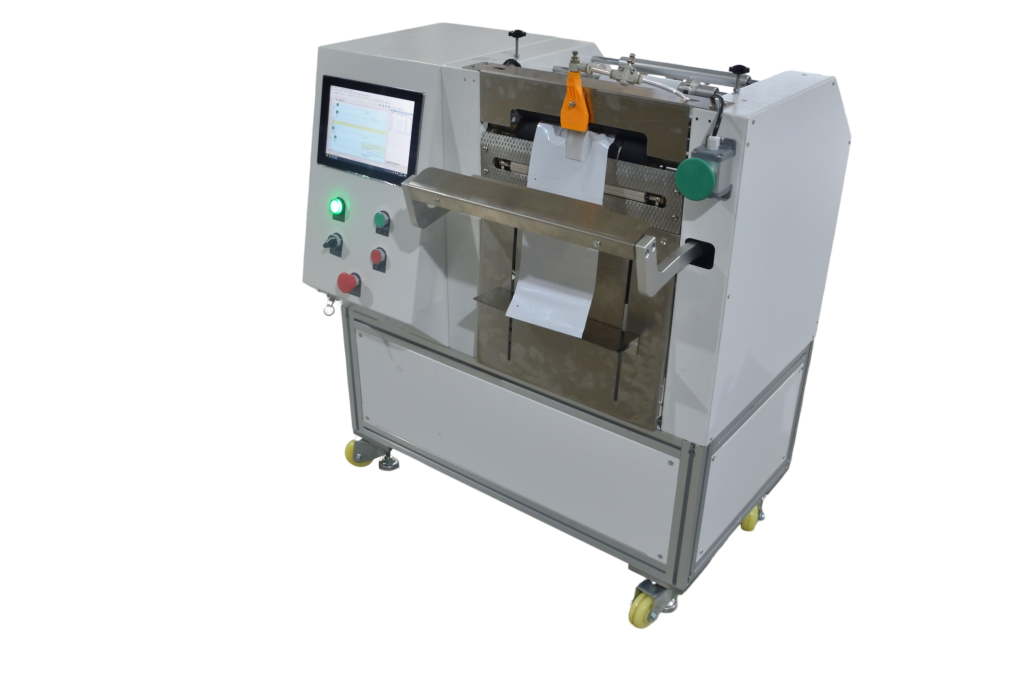
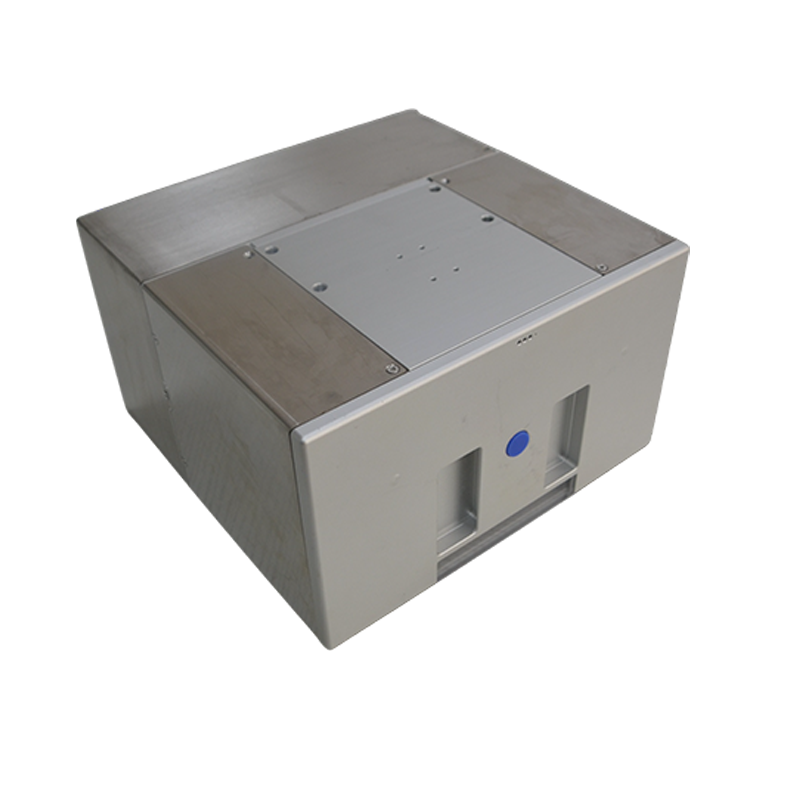
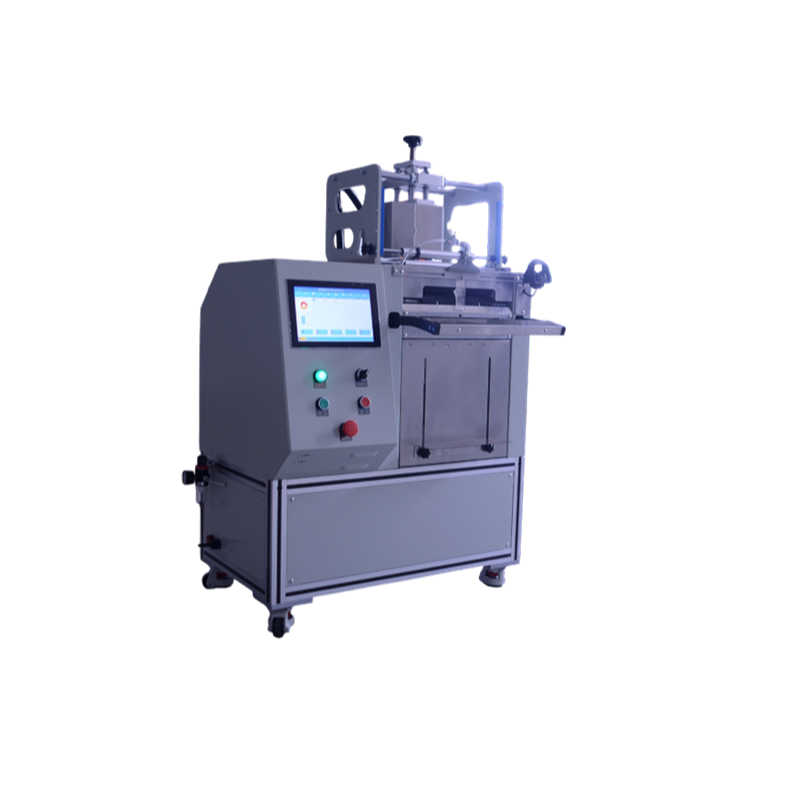
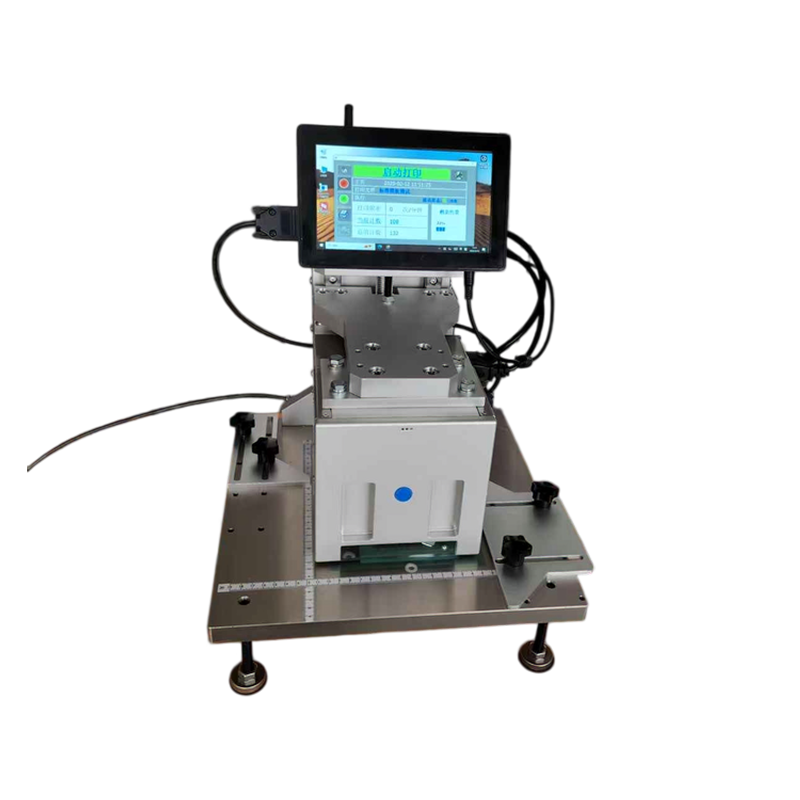
In thermal transfer printing, the ribbon is the second most critical consumable after the print head. Unlike traditional label printing, print & bag all-in-one systems print directly onto the packaging bag surface—no label paper required, eliminating manual labeling steps and costs. Ribbon quality directly affects both print quality and print head lifespan—inferior ribbon can cause premature print head wear, with replacement costs running into thousands. So how do you choose the right ribbon scientifically? This article breaks it down across seven key dimensions.
1. Matching with Your Printer: The Foundation
In thermal transfer printing, ribbon and bags are consumed simultaneously. Consider the following:
| Matching Factor | Key Points |
|---|---|
| Width Matching | Ribbon width ≥ print content width, and ≤ printer’s maximum print width. Too narrow causes incomplete edge printing; too wide creates waste and may damage the print head |
| Length Matching | Select based on the printer’s maximum roll capacity and core specifications |
| Temperature & Sensitivity Matching | Different printers have different operating temperature curves. Ribbon sensitivity must match the printer’s thermal profile |
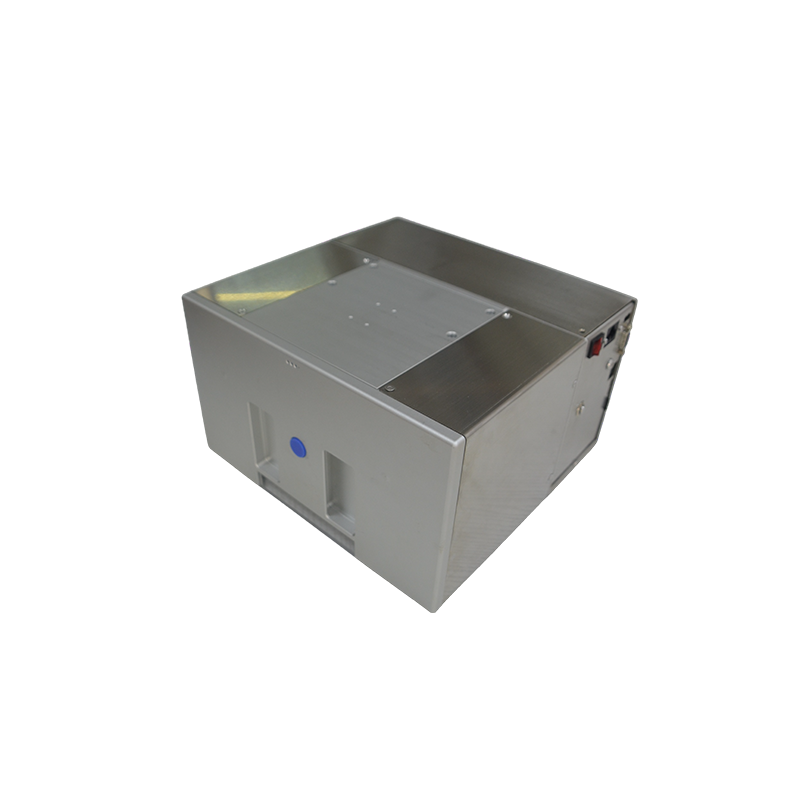
About Direct Bag Printing: Systems from jiuyipack.com and autobagmachine.com feature the Ribbon Saver function—ribbon is consumed only during actual printing, significantly reducing consumable costs. Their AutoLabel series ribbons are specifically designed for polyester bag surface printing, offering excellent scratch and smudge resistance to ensure industrial-grade barcode scan rates.
2. Matching with Bag Materials: The Key to Adhesion
When printing directly onto bag surfaces, ribbon-to-bag material matching is critical. Different packaging bag materials have vastly different surface characteristics:
| Bag Material | Surface Characteristics | Recommended Ribbon Type |
|---|---|---|
| PE (Polyethylene) | Smooth surface, common in general packaging | Resin or enhanced wax/resin—anti-static treatment recommended |
| PP (Polypropylene) | Relatively smooth, good heat resistance | Wax/Resin or Resin |
| PET (Polyester) | Very smooth surface, high adhesion requirement | Resin-grade dedicated ribbon |
| Composite Film (BOPP/PET) | Multi-layer structure, wide application | Wax/Resin TTO ribbon |
| Nylon Bags | Soft, retort-resistant | Specialty Resin (e.g., retort-grade US780) |
Critical Note: When printing directly onto PE, PP, and other plastic film surfaces, standard wax ribbon lacks sufficient adhesion—printed content can be easily scratched off. Choose ribbons specifically designed for bag-surface printing, such as AutoLabel UV (resin-reinforced wax ribbon with excellent scratch resistance) or AutoLabel UP (premium wax/resin ribbon ideal for e-commerce poly bags requiring frequent scanning).
3. Durability Requirements: Choose by Application
Print content durability determines the technical grade of ribbon required:
| Grade | Application Scenarios | Ribbon Type |
|---|---|---|
| Basic | Internal use, short-term | Wax |
| Retail | Retail packaging, shipping labels—moderate scratch resistance needed | Enhanced Wax (e.g., AutoLabel UW) |
| Industrial | Product traceability, long-term readability required | Wax/Resin or Resin-Reinforced Wax (e.g., AutoLabel UV) |
| Ultra-Durable | Frozen/retort/outdoor environments, chemical/solvent resistance | Resin (e.g., retort-grade US780, high-speed UH710) |
Important Note: If packaging bags require frozen storage, retort sterilization, or long-distance transport, resin ribbon is mandatory. Once a barcode becomes unreadable, the cost of traceability failure far exceeds the ribbon’s price difference.
4. Cost Positioning: Optimizing Total Consumable Costs
Ribbon price correlates positively with technical grade. However, direct bag printing eliminates label paper costs, reducing overall consumable expenses.
| Ribbon Type | Cost Level | Core Characteristics |
|---|---|---|
| Wax Ribbon | ★ Low (Economy) | Lowest cost, but poor abrasion resistance—recommended only for non-durability applications |
| Wax/Resin Ribbon | ★★★ Medium (Balanced) | Best value—combines clarity with durability, broadest adaptability |
| Resin Ribbon | ★★★★★ High (Premium) | Highest cost but superior durability and adhesion—specifically designed for plastic film surfaces |
Recommendation: For most industrial bag-printing applications, resin-reinforced wax ribbon or premium wax/resin ribbon offers the optimal balance between cost and durability.
5. Special Application Scenarios: Dedicated Ribbons Required
| Special Requirement | Recommended Ribbon | Description |
|---|---|---|
| Scratch Resistance (logistics friction) | AutoLabel UV / UP | Resin-reinforced, anti-scratch and anti-smudge |
| Retort Sterilization (food packaging) | Resin US780 | Withstands 120°C / 90-minute retort cycles |
| High-Speed Printing (≥600mm/s) | Sensitive Resin UH710 | TTO side-press dedicated, excellent thermal response |
| Low-Temperature Resistance (cold chain, frozen food) | Resin-grade dedicated | Carbon layer won’t become brittle at low temperatures |
| UV Resistance (long-term outdoor storage) | Resin (UV-protected formula) | Prevents fading and degradation |
6. Printing Speed Matching: Critical for TTO High-Speed Scenarios
For high-speed online printing (TTO thermal transfer overprint), ribbon sensitivity is the key parameter:
| Printing Speed | Recommended Ribbon Feature |
|---|---|
| ≤600mm/s (Standard) | Standard-sensitivity ribbon |
| 600-1000mm/s (High-Speed) | High-sensitivity ribbon (e.g., UH710 sensitive resin) |
Matching Tip: Systems from jiuyipack.com and autobagmachine.com support multiple print resolutions (203/300/406 dpi). Select ribbons with corresponding sensitivity based on actual printing speed to ensure barcode clarity and scan rates.
7. Pre-Purchase Checklist
| No. | Check Item | Status |
|---|---|---|
| 1 | Printer model → Confirm max print width, compatible ribbon specs | ☐ |
| 2 | Bag material (PE/PP/PET/composite) → Match ribbon type | ☐ |
| 3 | Usage environment (ambient/cold chain/retort) → Confirm durability grade | ☐ |
| 4 | Print content (barcode/QR/text) → Confirm resolution requirements | ☐ |
| 5 | Actual printing speed → Verify ribbon sensitivity match | ☐ |
| 6 | Budget range → Select optimal value ribbon | ☐ |
| 7 | Ribbon width, length, core size → Confirm physical compatibility with printer | ☐ |
Common Issues Quick Reference (FAQ)
| Symptom | Possible Cause | Solution |
|---|---|---|
| Blurry / Broken print | Ribbon-bag material mismatch | Confirm bag material, select matching ribbon |
| Print rubs off easily | Ribbon grade too low | Upgrade to wax/resin or resin ribbon |
| Premature print head wear | Impurities in ribbon or rough coating | Choose OEM-certified ribbon |
| Ribbon wrinkling | Width too wide or improper installation | Check ribbon width and routing path |
| Barcode unreadable | Insufficient density/contrast | Choose high-density ribbon (e.g., AutoLabel UV) |
Jiuyi Intelligent Equipment × Autobag Integrated Solutions
jiuyipack.com and autobagmachine.com not only provide high-quality print & bag all-in-one systems but also supply OEM-certified ribbons covering the full product range:
-
100% Compatibility: Verified through real-machine testing on original systems, specifically designed for polyester bag surface printing
-
Print Head Protection: Uniform, fine coating maximizes print head lifespan
-
Ribbon Saver Technology: Ribbon consumed only during actual printing—minimizes waste
-
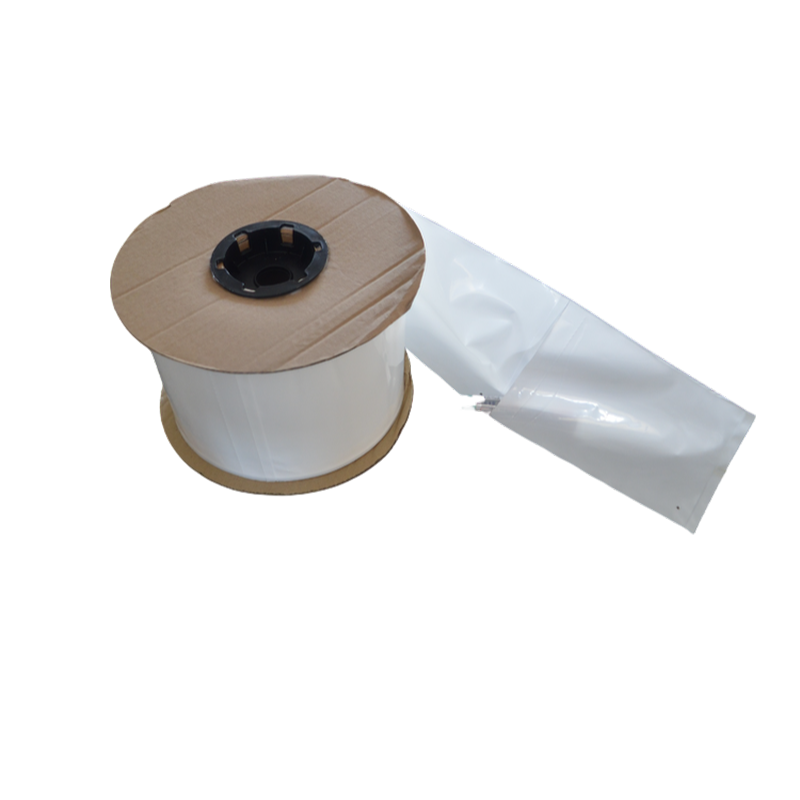
One-Stop Procurement: Equipment + Ribbon + Pre-Opened Roll Bags—complete supply chain integration
 English
  Chinese
  Russian
  Japanese
  Malay
Malay  Korean
  French
  German
  Arabic