




TTO printer packaging machine compatibility is not a yes or no spec. It depends on film structure, line speed, mounting bracket, and print position. Check these four points before you buy or mount a unit. Most field problems trace back to a mismatch here, not to the printer itself.
Why the printer runs but the code fails: five field symptoms
Start with what you see on the film. If the code smears, misses, or drifts, the root cause is often the packaging machine interface, not the ribbon or print head. Run each check on your actual line, not on a bench sample.
| Symptom | Likely cause | How to verify |
|---|---|---|
| Code position drifts by more than 2 mm | Film tracking unstable or print trigger timing off | Mark the film edge with a reference line. Run 20 bags. Measure drift with a caliper. Check the eye-mark sensor gap. |
| Intermittent missing dots or gaps | Print head pressure uneven or ribbon wrinkle | Inspect the ribbon path for creases. Clean the print head. Run a test grid at the same speed. |
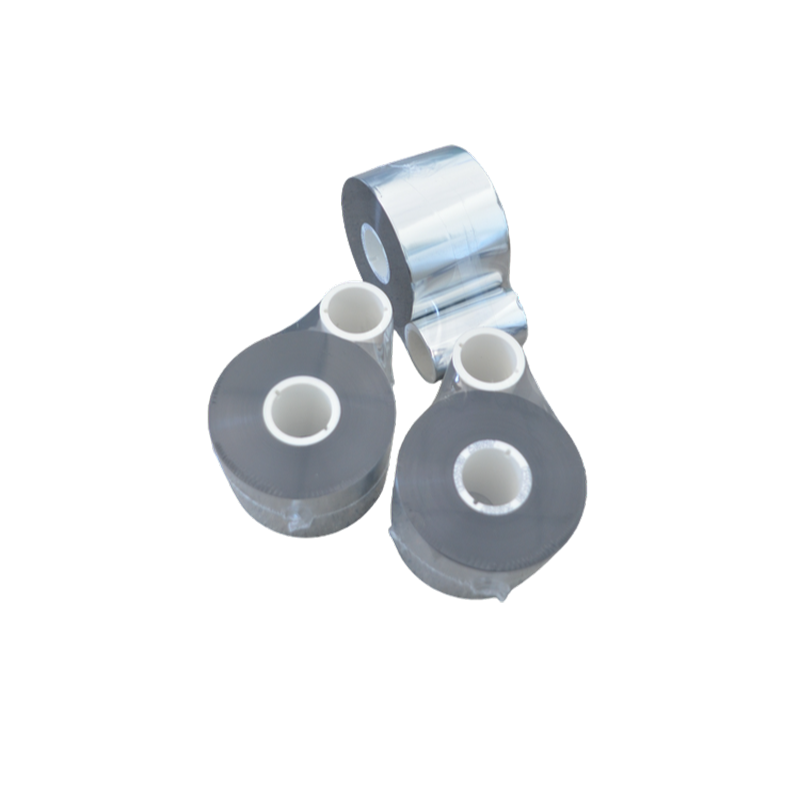
| Code smears when rubbed after 24 hours | Ribbon grade does not match film surface | Rub the code with a thumb or tape. Compare two ribbon grades on the same film. Check the ribbon selection guide for material pairing. |
| Printer faults at high line speed | Dwell time too short or mounting bracket flex | Reduce speed by 20%. If faults stop, check bracket rigidity and print head contact time. |
| Film wrinkles or stretches near the print area | Web tension differs from the printer’s expected range | Measure tension with a handheld gauge. Compare to the film supplier spec. Adjust the packaging machine unwind brake. |
One common mistake is blaming the ribbon first. On a new installation, check mounting and trigger signal before changing consumables.
Check the packaging machine type before the printer model
Different machine types present different mechanical interfaces. A vertical form-fill-seal (VFFS) machine runs film vertically and needs the print head at a fixed angle. A horizontal flow wrapper runs film flat. A roll-fed bagging machine feeds pre-opened bags on a roll. Each has a different web path and print window.
On a VFFS or FFS line, confirm the print head can reach the film between the forming tube and the sealing jaws. On a roll-fed bagger, check the gap between the bag feed and the fill station. The print area must sit where the film is flat and under tension. If the film flutters, the code will smear. On snack and confectionery lines, film speed often exceeds 30 m/min, so dwell time matters more than print resolution. Our TTO digital coding solution for flexible packaging covers mounting positions for common web paths.
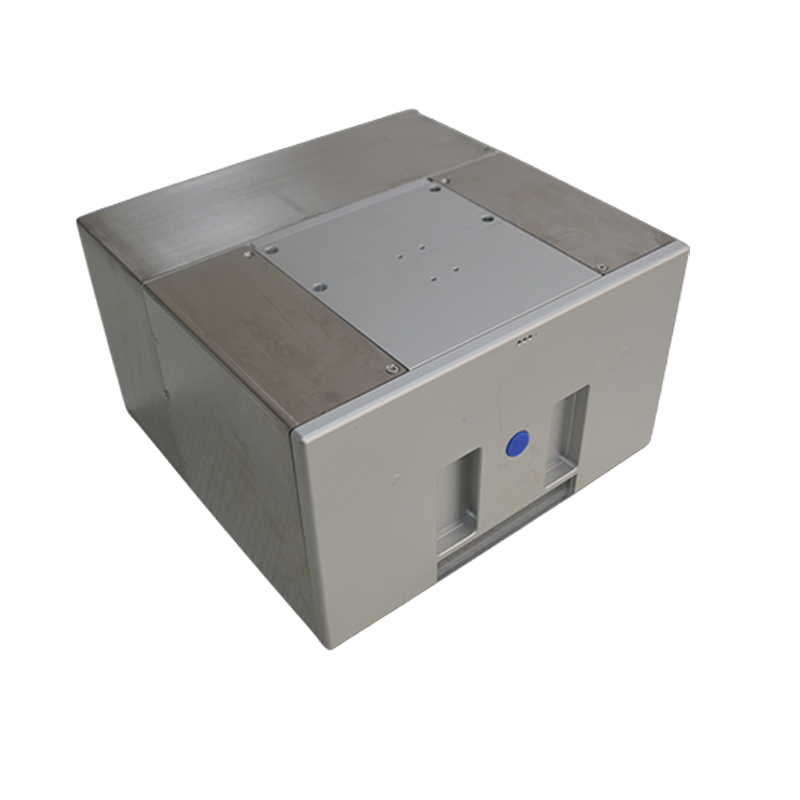
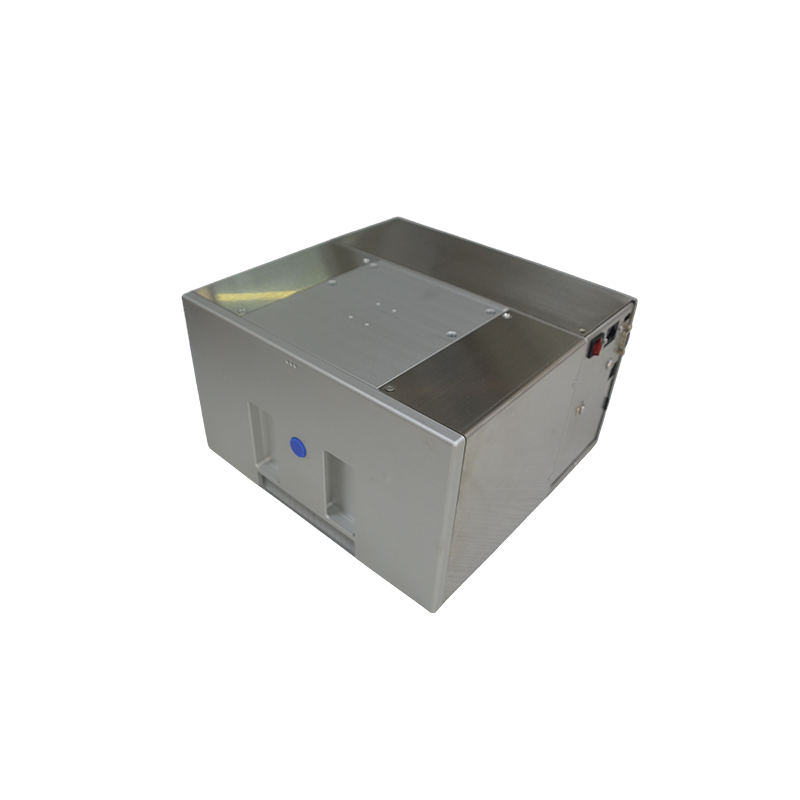
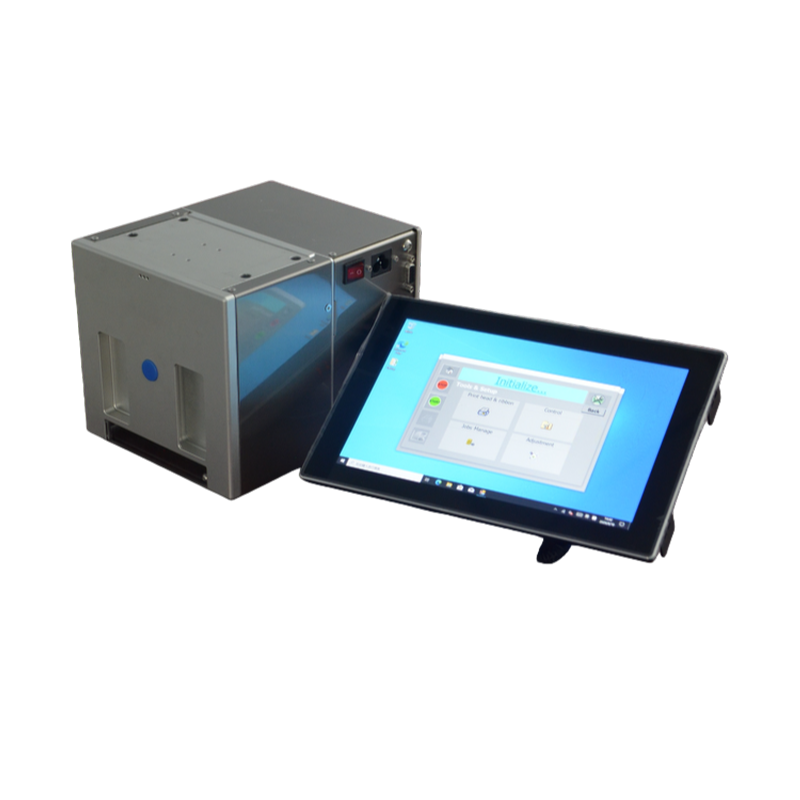
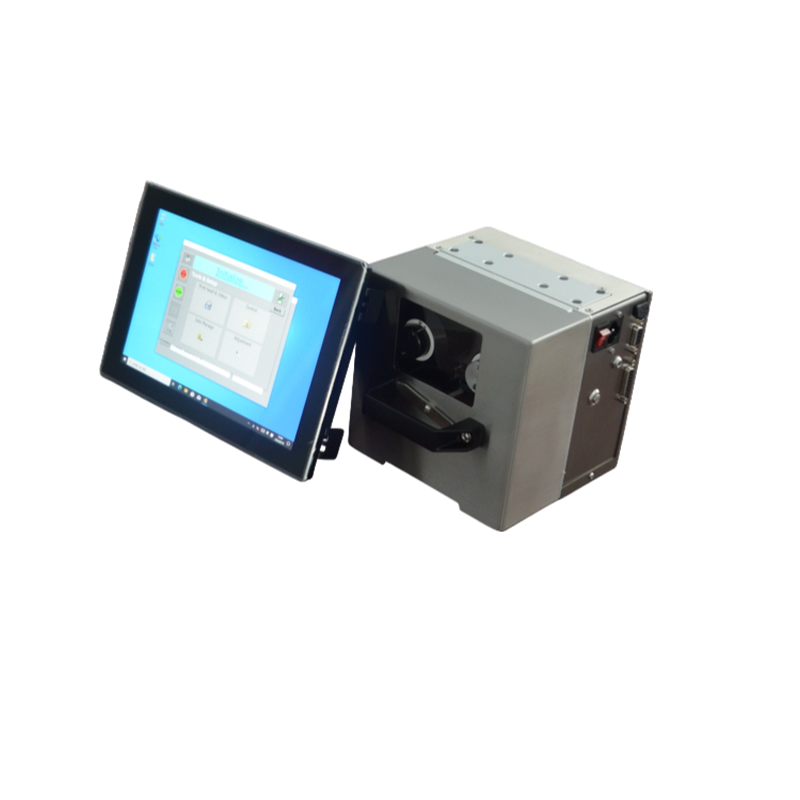
Measure the available mounting space. The T107115 and T2455 models have different footprints. Confirm the bracket does not block film loading or sensor access. A 10-minute measurement now avoids a week of rework.
Film structure and ribbon pairing: a quick comparison
Film surface determines which ribbon grade works. A PE or PET film with a glossy surface may need a different ribbon than a matte, metallized, or AL-laminated film. Do not assume one ribbon fits every film on the line.
| Film type | Typical ribbon consideration | Verification step |
|---|---|---|
| PE film (common for snack bags) | Standard wax-resin or resin grade | Print a test code. Rub with tape after 1 hour. Check adhesion. |
| PET film (often used for lidding or outer wrap) | Resin grade for better heat resistance | Run at line speed. Check dot sharpness under a loupe. |
| AL-laminated film | Resin grade with a smooth backcoat | Test for pinholes. Observe print head wear after 500 m. |
| Single-side open roll film | Match ribbon to the sealed side, not the open side | Print on both sides of a sample. Compare rub resistance. |
If you run more than one film type, keep a ribbon log. Record the grade, film lot, print speed, and rub test result. This data helps you avoid rework when a new film lot arrives.
Order of checks: from power to print
When the code fails, work through this sequence. Skip a step only after it passes.
- Power and air supply. Check voltage and air pressure at the printer. A weak air supply can cause intermittent print head lift.
- Mounting rigidity. Push the print head bracket by hand. Any flex over 1 mm may affect print position at speed.
- Trigger signal. Verify the eye-mark sensor sees the film. Use a scope or the printer diagnostic screen to check signal timing.
- Film tension and tracking. Measure tension with a gauge. Adjust the packaging machine unwind and rewind brakes. Look for film edge weave over 2 mm.
- Ribbon path and print head. Inspect for wrinkles. Clean the print head with an approved solvent. Run a test grid.
- Print parameters. Set energy and speed to the ribbon supplier starting values. Adjust in small steps.
Stop at the first failed step. Fix it before moving on. This prevents false conclusions from stacked issues.
Re-test and prevent repeat failures
After a fix, run a 30-minute production trial at the normal line speed. Print at least 100 codes. Check three things: code position within ±1 mm, rub resistance after 10 minutes, and no printer faults. If the line runs multiple shifts, repeat the trial at the start of the next shift.
Prevention comes down to records. Keep a compatibility sheet for each packaging machine. List the film type, ribbon grade, print speed range, and mounting position. Update it when you change film suppliers. Train operators to log faults by symptom, not by guessed cause. On roll-fed bagging lines, check bag roll tension every shift. On FFS lines, inspect the print head bracket bolts monthly. A loose bolt can shift print position by several millimeters. Use the thermal transfer overprinter product page to confirm model dimensions before you design a bracket.
FAQ
Can I mount a TTO printer on any packaging machine?
Not directly. You need a stable mounting point, a trigger signal, and a flat film area under tension. Check available space and film path first.
Why does my code smear only at high speed?
Dwell time drops as speed rises. The print head may not transfer ink fully. Reduce speed or adjust print energy. Also check bracket rigidity.
Do I need a different ribbon for PE and PET film?
Often yes. PE film usually accepts standard grades. PET may need a resin grade for rub resistance. Always run a tape test on your actual film.
How do I check if the print position is stable?
Print 20 codes on a film roll. Measure the distance from a fixed reference mark to the code edge. Drift over 2 mm needs attention.
What is the first thing to check when the printer faults?
Check the trigger signal and air pressure. These cause more faults than print head issues on new installations.
Send your bag drawing and a photo of the mounting area. We will review TTO printer packaging machine compatibility and come back with a model recommendation and a reference price band within one business day. Contact us to start.
获取 TTO 打码与碳带选型建议
为快速匹配机型与碳带,请提供以下信息,我们会据此给出选型方向与后续沟通安排。
- 包装材料与结构(如 PE/PP 复合膜、单面开口卷膜)及膜宽
- 产线速度、包装机类型(如 FFS)与安装空间限制
- 需打印内容(日期/批号/二维码等)、行数与打印区域尺寸
- 使用环境与运行班次,以及所在地区与联系方式
响应时效:工作日收到完整信息后 1 个工作日内回复。
 English
 Chinese
 Russian
 Japanese
 Malay
 Korean
 French
 German
 Arabic